
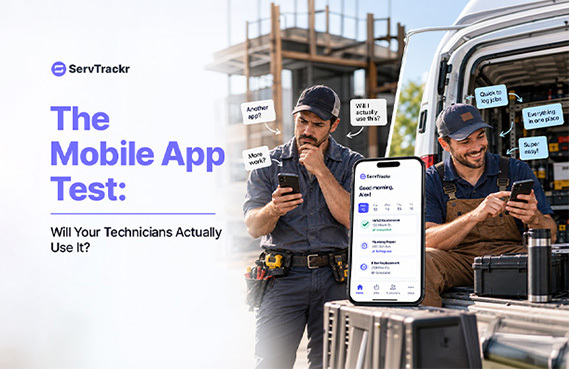
The best field service software in the world is worthless if your technicians won't use it in the truck. Plenty of service businesses buy a system, roll it out, and within a month watch their crew quietly go back to text messages and a paper clipboard. The problem is almost never the office side of the software — it's the mobile experience technicians actually touch every single day.
Why Office Software and Field Software Are Different Problems
Dispatchers and office staff sit at a desk with a full screen and time to click around and learn something new. A technician is standing in a driveway, sometimes in gloves, sometimes with a weak signal, and needs an answer in seconds — not a menu to dig through. Software that's genuinely easy for the office to configure can still be a nonstarter for the field if nobody thought about that second use case.
What Makes Techs Actually Use an App
- Fast to open, showing today's job list without extra taps or a slow load screen.
- Easy to update job status, log materials, and capture a signature on-site, in the time it actually takes to do those things by hand.
- Doesn't require re-typing information a customer or dispatcher already entered elsewhere.
- Built around the job a tech actually does, not a scaled-down version of the office dashboard.
Signs Your Current Mobile Setup Isn't Working
- Techs are still texting job updates instead of updating the app.
- Photos and notes end up on personal phones instead of attached to the job record.
- Office staff are re-entering information a technician already wrote down on a paper ticket.
How to Test It Before You Buy
Run a real week on a real job, not just a guided demo. Have an actual technician try it in the field — not just the office manager on a laptop. And check what happens in an area with a weak signal, since that's exactly the situation where a clunky app fails first.
What This Looks Like With ServTrackr
ServTrackr's mobile app, available on iOS and Android, is built around the tasks a technician actually does in the field: viewing today's schedule, updating a job's status, working through a checklist, and capturing a customer's signature on a digital estimate. GeoStamp adds location-based time tracking to each visit, so there's a clear record of arrival and departure without a tech having to log it manually.
FAQ
Does the ServTrackr mobile app require a lot of training? Most field service apps, including ServTrackr's, are built around tasks a technician already does — viewing a schedule, updating a job, capturing a signature — so the learning curve is mainly about the specific screens rather than new concepts. The most reliable way to know is to have an actual technician try it during a free trial.
What happens if a technician loses cell signal mid-job? This varies by platform, so it's worth asking directly and testing in an area with weak signal during a trial, since a dropped connection shouldn't mean lost work.
Have a technician try the ServTrackr app for themselves. Start a free 14-day trial — no credit card required.