
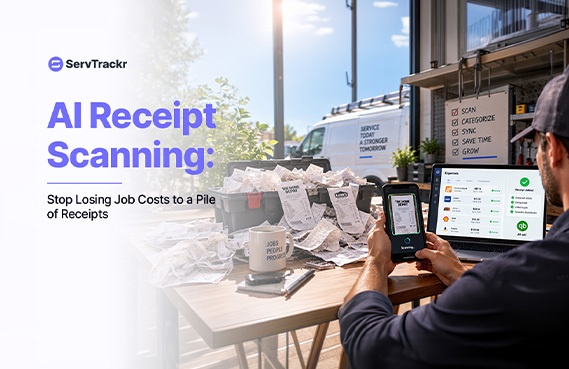
Real-time job profit tracking is only as good as the cost data feeding it. And for a lot of shops, the weakest link in that data is the receipt. A technician grabs parts from the supply house, stuffs the receipt in a cupholder, and by the time anyone gets around to entering it, the job's profit number is already wrong, or the receipt never makes it into the system at all.
Why Receipts Are the Weak Link in Job Costing
Paper receipts get lost, left in a truck, or forgotten entirely. Manual entry is tedious enough that it's the first thing to get skipped during a busy week — which is exactly the week your job costing needs to be accurate the most. And even when a receipt does get entered, typos and mismatched jobs creep in.
What AI Receipt Scanning Actually Does
Instead of typing a receipt into the system by hand, a technician photographs it from the mobile app. AI reads the vendor, the line items, and the total, and matches the cost to the right job automatically. That removes the manual re-typing step and shortens the gap between when money gets spent and when it shows up in the job's actual cost.
Why This Matters More As You Scale
One truck with a handful of receipts a week is manageable by hand. Three or four trucks, each generating their own pile of receipts, is a different story — the manual burden compounds with every additional crew. And a real-time profit dashboard is only as trustworthy as the costs feeding it: if receipts are missing or delayed, the margin number on screen is a guess, not a fact.
How This Fits Into ServTrackr
AI receipt scanning is available on ServTrackr's Growth plan, feeding directly into the same real-time job costing and margin alerts used across the platform. Instead of manually entering materials costs, a technician's photographed receipt updates the job's numbers automatically.
FAQ
Does AI receipt scanning replace the need to review costs at all? No. It removes the manual re-typing step, but it's still worth spot-checking early on to make sure amounts and vendors are being read correctly, the same way you'd sanity-check any automated process when you first start relying on it.
What if a receipt is faded or handwritten? Accuracy can vary with faded, crumpled, or handwritten receipts, as it does with most scanning-based tools. It's worth testing with the kind of receipts your crew actually generates during a trial, rather than assuming it'll handle every edge case perfectly.
See real-time job costing, powered by accurate receipt data. Start a free 14-day trial of ServTrackr — no credit card required.