
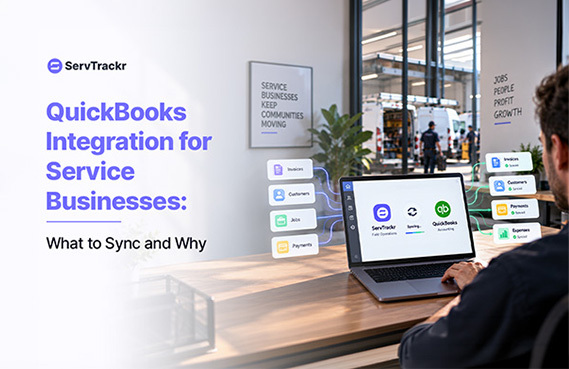
A lot of service businesses run two separate systems: one for scheduling and job management, and QuickBooks for the actual books. Without a real integration between them, someone ends up manually retyping every invoice, every payment, and often every new customer into a second system — which is exactly the kind of task that quietly gets skipped when things get busy.
What "Integration" Should Actually Mean
A real integration is more than exporting a CSV once a month. New customers, invoices, and payments should flow between systems without manual re-entry, and ideally in both directions where it matters — a payment recorded in the field should show up in QuickBooks without someone typing it in twice, and a customer shouldn't need to be created separately in each system.
The Cost of Not Integrating
Manual double data entry isn't just tedious, it's a direct source of errors — a mistyped invoice total or a missed payment record is easy to introduce and hard to catch. Books also tend to fall behind when syncing is a manual chore rather than automatic, which erodes a bookkeeper's confidence in the numbers they're working from.
What to Check Before You Rely on an Integration
- Does it sync customers, invoices, and payments — or only one of the three?
- Is the sync automatic, or does someone have to remember to trigger it?
- What happens with edited invoices or refunds — do those changes carry over too?
These are worth asking directly, since "we integrate with QuickBooks" can mean very different things depending on the platform.
How ServTrackr Connects to QuickBooks
ServTrackr connects with QuickBooks so job and invoice data stays in sync without manual re-entry, alongside integrations with Google Calendar and Outlook for scheduling. Exactly which records sync automatically can vary by plan, so it's worth confirming directly with the ServTrackr team which pieces — customers, invoices, payments — are covered for your specific setup before you build your bookkeeping process around it.
FAQ
Will I still need a bookkeeper if my software integrates with QuickBooks? Yes. Integration reduces manual entry and the errors that come with it, but it doesn't replace the judgment and reconciliation work a bookkeeper actually does with those numbers.
Does the integration only work one way (into QuickBooks), or both ways? This varies by platform and sometimes by plan, so confirm directly with the vendor which records sync and in which direction, rather than assuming it's a full two-way sync.
See how ServTrackr keeps your job data and QuickBooks in sync. Start a free 14-day trial — no credit card required.