
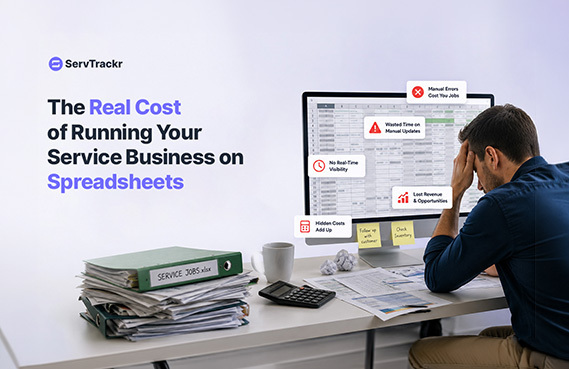
Spreadsheets feel free. There's no monthly bill, no new tool to learn, and it's the system you've always used. But "free" is misleading — spreadsheets and paper systems have real costs, they're just spread out across time instead of showing up as a line item. Here's where they actually add up.
6 Hidden Costs of Spreadsheet-Based Operations
1. Double data entry. The job goes on the schedule spreadsheet, the estimate gets typed up separately, and the invoice is built again from scratch. Every re-entry is a chance for a typo, a missed line item, or a job that just falls through the cracks.
2. No real-time visibility into job profit. A spreadsheet can technically calculate margin, but only if someone manually enters labor and material costs — which usually happens well after the job, if it happens at all. By then, there's nothing to be done about a job that lost money.
3. Missed or duplicate bookings. Without a shared, live schedule, it's easy for two people to book the same crew for the same time slot, or for a job to get written down and then never make it onto the "real" calendar.
4. Slower invoicing, slower payments. If building an invoice means manually pulling numbers from a spreadsheet, it tends to happen in batches — days after the job — which pushes payment out even further.
5. No mobile access for the field. A spreadsheet on a desktop in the office doesn't help a technician who needs to check today's job list, log completed work, or capture a signature on-site.
6. Nothing clean to hand off. If you hire an office manager, bring on a partner, or just want to take a real vacation, a system built out of scattered spreadsheets and sticky notes is hard for anyone else to step into.
The Time Cost, Not Just the Dollar Cost
The biggest cost of a spreadsheet-based system usually isn't a specific dollar figure — it's the hours it quietly eats every week. Between rebuilding schedules, manually creating invoices, and chasing down job details that live in three different places, businesses that switch to a single system can save 10 or more hours a week that used to go into administrative work instead of billable jobs.
When It's Time to Make the Switch
- You've had a double-booking or a missed appointment window in the last month.
- You don't know if last week's jobs were profitable.
- Invoices routinely go out days after the job is finished.
- Your team is texting job updates instead of using a shared schedule.
- You're the only one who understands how "the system" actually works.
If more than one of these is true, the switch usually pays for itself quickly in time saved alone.
What Replacing Spreadsheets Actually Looks Like
Moving off spreadsheets doesn't have to mean a complicated overhaul. In a system like ServTrackr, the flow looks like this: a customer request comes in and is logged automatically, it becomes a digital estimate the customer can approve from their phone, the approved estimate becomes a scheduled job with a checklist, and the completed job automatically generates an invoice — all in one place, with nothing re-typed along the way.
FAQ
Is it hard to migrate my existing customer and job data from spreadsheets? It depends on how your data is currently organized, so it's worth asking directly during a trial or onboarding call. Most platforms can import basic customer and contact information; more complex historical job data may need some manual cleanup.
What if my team isn't very tech-savvy? This is a fair concern, and it's worth testing directly rather than guessing — look for software with a mobile app built for field use, and use a free trial period to see how quickly your actual team picks it up before committing.
Ready to see what your week looks like without the spreadsheets? Start a free 14-day trial of ServTrackr — no credit card required.